Packer: WinLicense
Dates of compilation and SHA1 hashes:
- 2420d5ad17b21bedd55309b6d7ff9e30be1a2de1 (ssdp32.dll, x86) - 20.02.2018 13:03:18
Description
Trojan.Belonard.9 is part of the Belonard trojan. The original name is “ssdp32.dll”, and has the exported function “x”. It’s downloaded by Trojan.Belonard.6, and installed in the system with the name, “wmcodecs.dll”. The trojan functions as Belonard’s payload.
Operating routine
It decrypts the C&C server’s address, ixtzhunk.valve-ms[.]ru:37811. Unlike other modules, Trojan.Belonard.9 connects to the server via UDP.
The trojan creates the following structure:
struct client_info
{
  _BYTE aeskey[32];
  _WORD port;
}
The data is encrypted by embedding into the trojan RSA-key. After a zero byte is added to the beginning of the packet, the resulting buffer is then sent to the C&C server. In response, the server sends a file with a size no less than 97 bytes. The received data is decrypted by the AES in a CFB mode with a block size of 128 bits and the key is created with the client_info->aeskey, by making a call to EVP_BytesToKey(cipher, md_sha256, 0, &st_packet->aeskey2, 32, 5, key, iv). Additionally, the first 32 bytes must match the SHA256 hash of the remaining decrypted data.
The received data contains different parameters, which are later used to create new fake game servers:
struct fake_srv_params
{
  _DWORD steamappid;
  _DWORD stamapi_param;
  unsigned __int16 num_of_fake_servers;
  unsigned __int16 game_srv_low_port;
  _DWORD sleep_delay;
  unsigned __int16 fakesrvbatch;
  _DWORD SrvQueryAnsDelay;
  _DWORD rnd_data_update_interval;
  _DWORD min_param_value;
  _DWORD max_param_value;
  unsigned __int8 min_players_on_server;
  unsigned __int8 max_players_on_server;
  unsigned __int8 min_players_on_server_for_naming;
  unsigned __int8 max_players_on_server_for_naming;
  _DWORD min_player_kills;
  _DWORD max_player_kills;
  _DWORD min_player_uptime;
  _DWORD max_player_uptime;
  _DWORD uptimemul;
  _DWORD check_period;
  char szGameName[];
  char szProtocolVersion[];
  char szServerName[];
};
The trojan creates a number of fake game servers that equals the value of the num_of_fake_servers parameter, and registers them using Steam API. Game server ports are defined sequentially from the lowest value of game_srv_low_port specified by the server. The server also sets the value for fakesrvbatch, which determines the number of protocol emulator threads.
The emulator supports basic requests to a Goldsource engine game server: A2S_INFO, A2S_PLAYER, A2A_PING, receiving the “challenge steam/non-steam client” request, as well as the “connect” command from the Counter-Strike client. After responding to the “connect” command, the trojan tracks only the first and second packet from the client.
Upon receiving a valid response from the “connect” command from the server, the client sends the “new” (packet \x03new\x00\x01\x01\x01) command, to which the trojan replies with the packet:
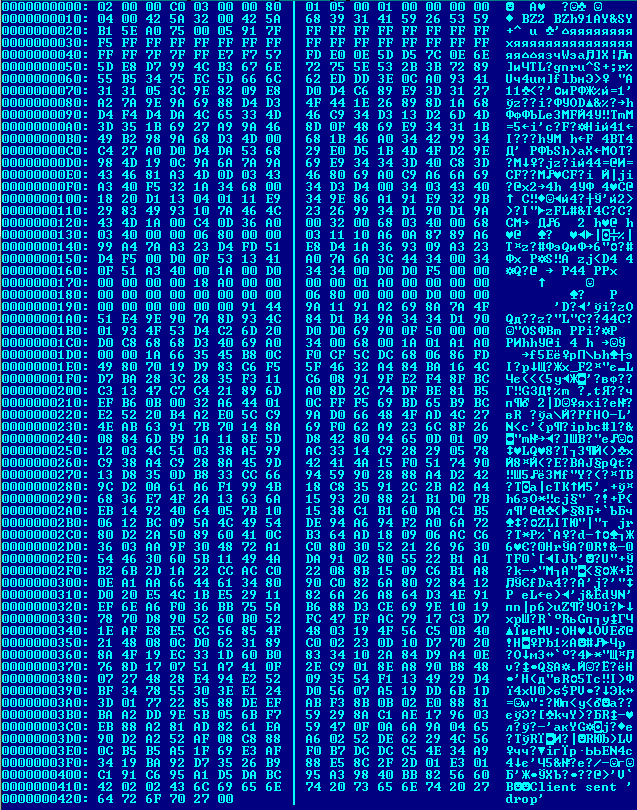
In response, the client sends the packet svc_nop- \x01\x01\x01\x01\x01\x01\x01\x01. To which the trojan replies with:

The last packet sent by the trojan is “svc_director” with the DRC_CMD_STUFFTEXT type of message, which allows the Counter-Strike client to execute any command.
This issue has been known to Valve since 2014. The description is available on GitHub.
Thus, when a player tries to connect to the fake game server, he is redirected to the malicious server bmeadaut[.]valve-ms[.]ru:28372, where one of several of the client’s vulnerabilities will be exploited to install the Trojan.Belonard components.
However, there’s a bug in the implementation of responses to the challenge request from the client. The server’s response lacks randomness, which makes it possible to detect fake game servers.
- To the request \A2S_PLAYER\ without the \challenge\ (\\xff\xff\xff\xffU\xff\xff\xff\xff”\), the server replies with \\xff\xff\xff\xffAxH0a\.
- To the request \challenge valve\ (\\xff\xff\xff\xffgetchallenge valve\0a\), the server responds with \\xff\xff\xff\xffA00000000 629446400 2\0a\.
- To the request \challenge steam\ (\\xff\xff\xff\xffgetchallenge steam\0a\) , the server responds with \\xff\xff\xff\xffA00000000 629446400 3 1 0\0a\.
Moreover, some of these servers can be identified by the name in the “Game” column, and the fake server will have a string “Counter-Strike n”, where “n” can be a number from 1 to 3.
Some lines of code in the trojan are encrypted. The same algorithm is used in other modules of the trojan. Decryption algorithm:
def decrypt(d):
    s = ''
    c = ord(d[0])
    for i in range(len(d)-1):
        c = (ord(d[i+1]) + 0xdc*c - 0x31*ord(d[i]) - 0x26) & 0xff
        s += chr(c)
    return s
